

Features
Everything in Xuro Designer and the Xuro Review Engine today. Early access gets you both.
Xuro Designer
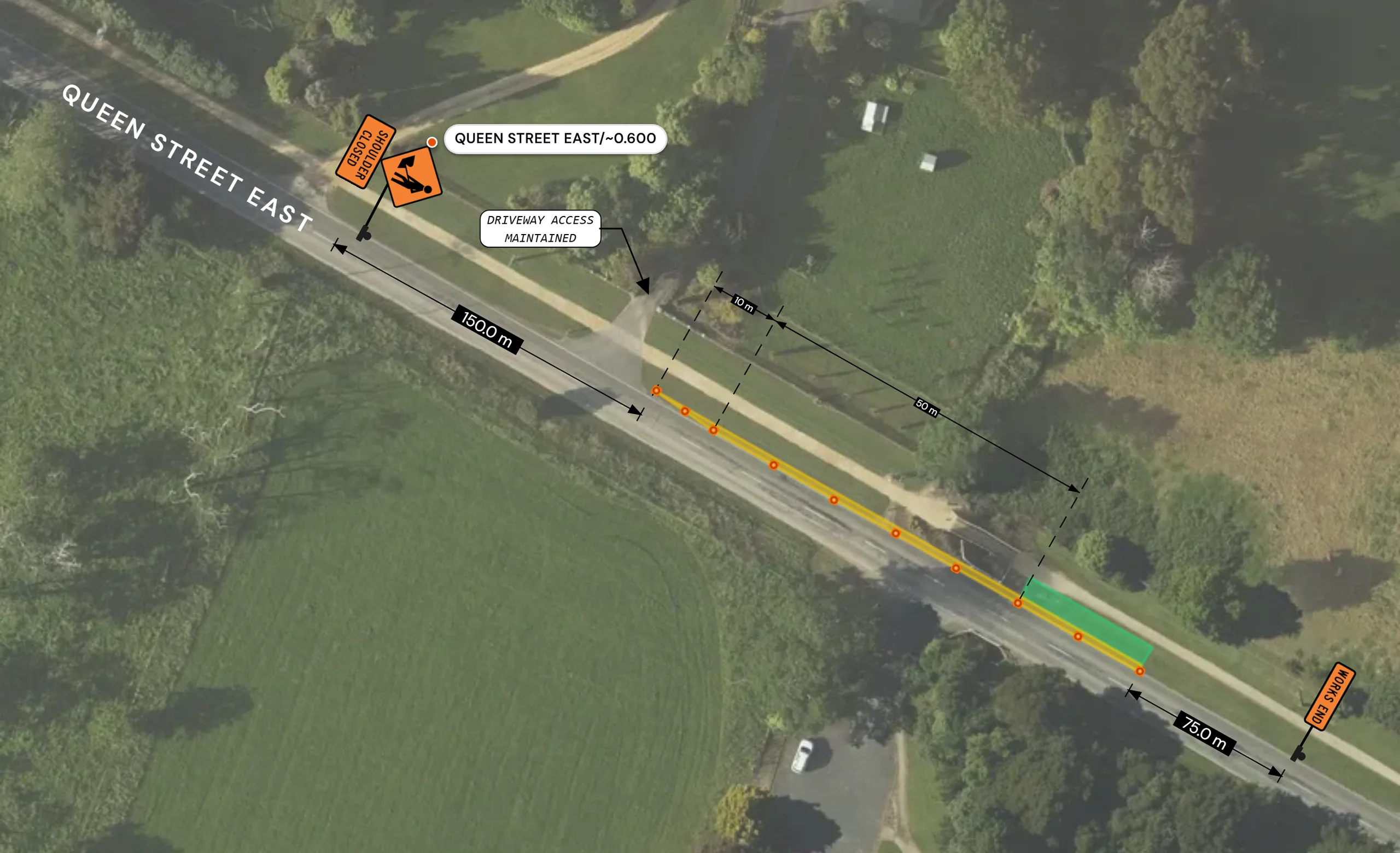
Drawing
- Cone runs and barriers
- Lay cones along the road, curve a run into a smooth taper, or add barriers and cone bars.
- Zones
- Mark working zones and safety zones, or draw your own zone shapes.
- Lines, shapes and text
- Lines, splines, rectangles, circles, text boxes and arrow callouts.
- Measure
- Distances, offsets, areas, running lengths and angles.
- Arrange
- Align, distribute, flip, rotate and snap. Undo and redo everything.
- Keyboard first
- A command palette and shortcuts for the tools you use most.
Signs
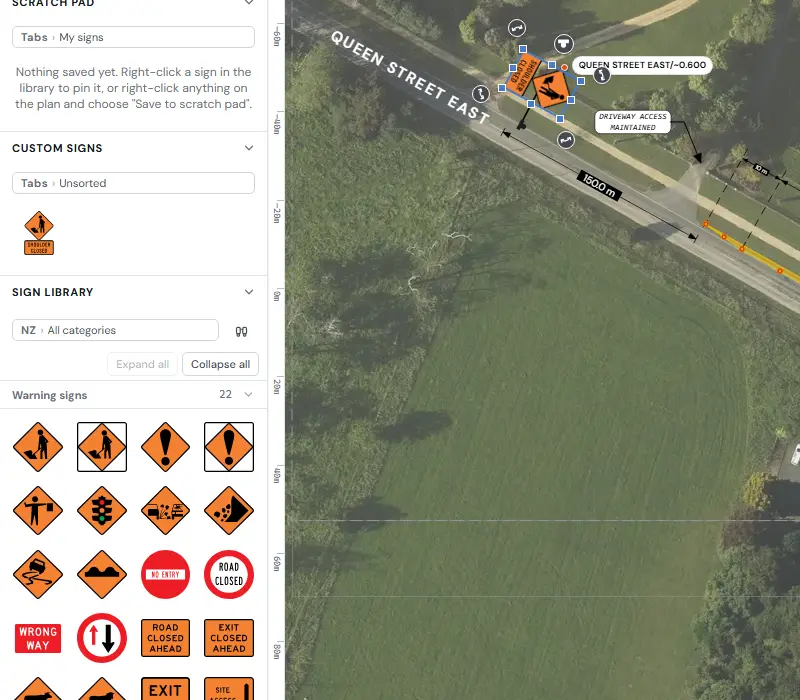
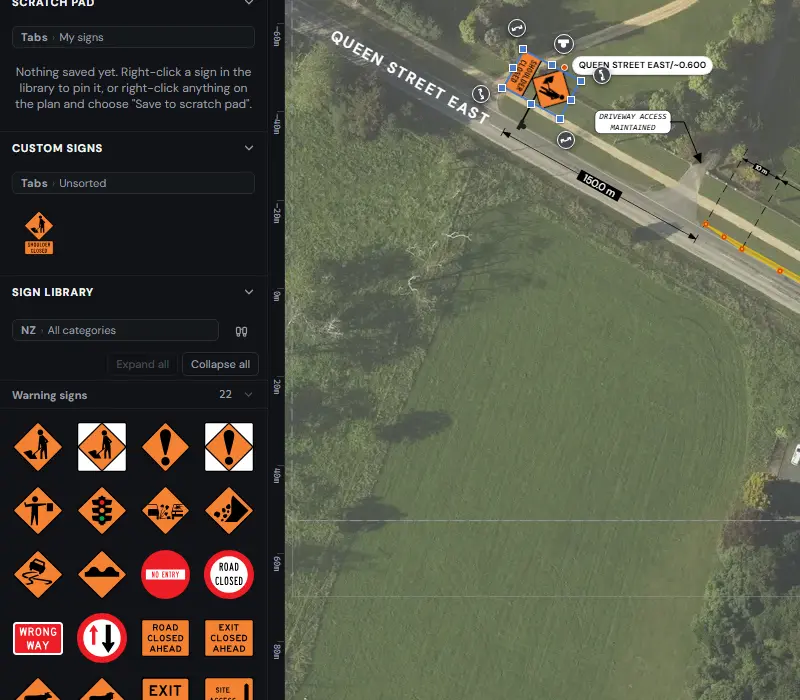
- Sign library
- NZ signs drawn from NZTA's own sign files, with search and categories.
- Sign stands
- Six plan symbols for stands, with your own saved styles.
- Sign Builder
- Build a custom sign from NZTA signs and blank plates sized to NZTA specifications. Break a sign apart, group, align and snap, then save it to My signs.
- Scratch pad
- Keep the signs you use on this job close at hand.
- Custom signs
- Your own signs in one panel, ready for any plan.
The road and the standard
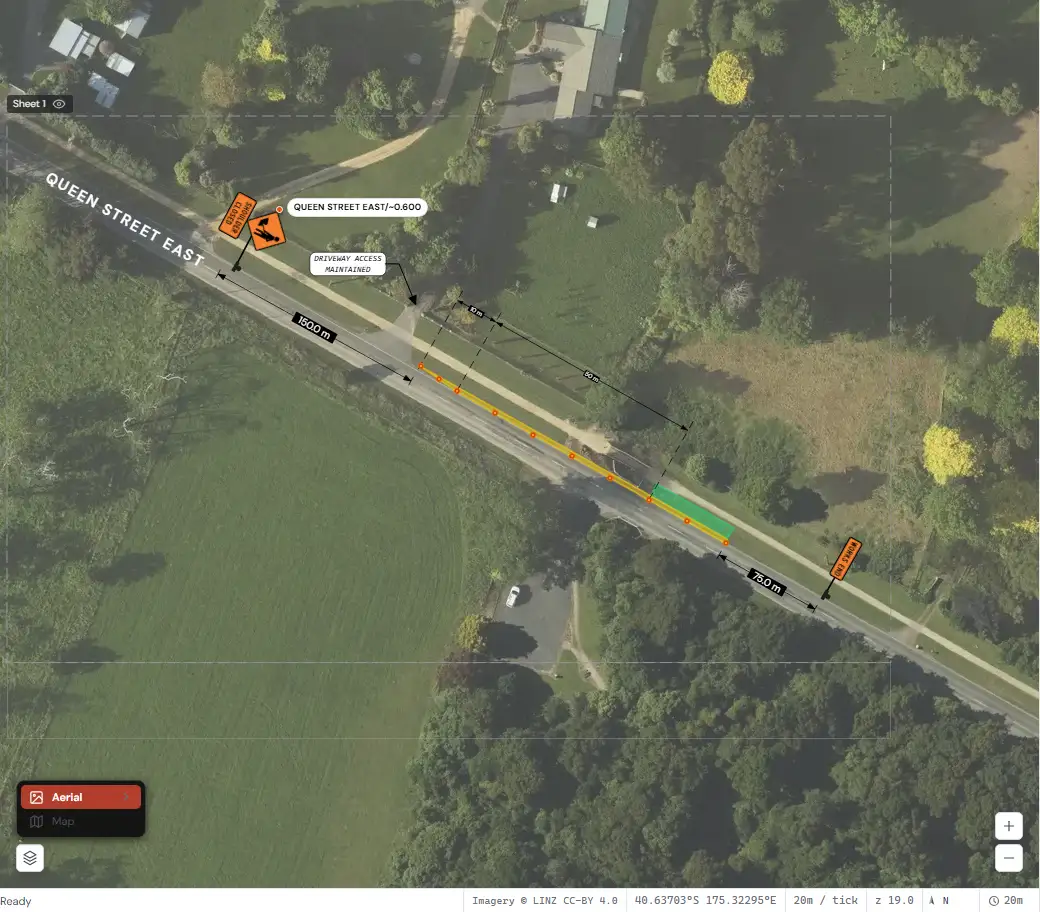
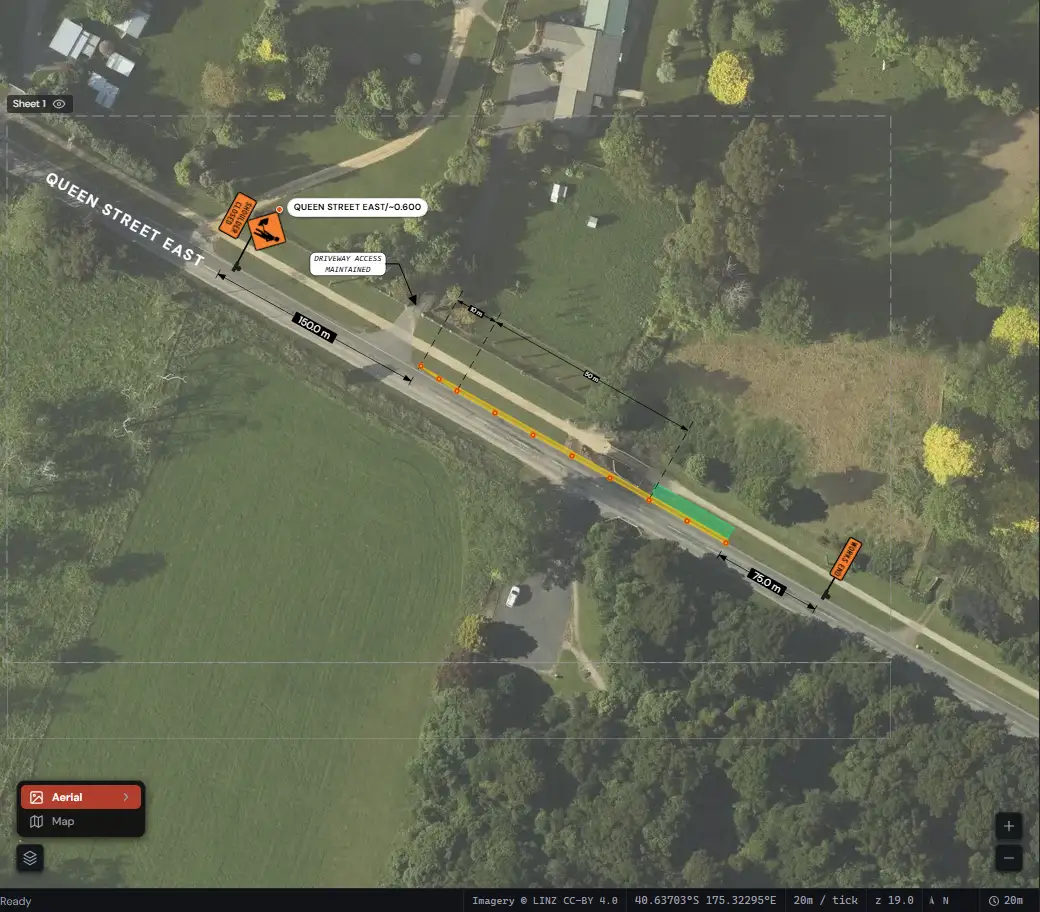
- Real NZ aerials
- Draw on LINZ aerial imagery or the LINZ topographic map.
- Layout distances
- Right-click a road for sign spacing, taper length, safety zone, cone spacing and lateral clearance, for CoPTTM or NZGTTM. Pin the card to your plan.
- Road details
- Right-click a road for its name, speed limit, classification and suburb, and traffic volume where it's published.
- Street labels
- Labels that follow the curve of the road, in three styles.
- Map layers
- Property numbers, bus stops, schools, shops, medical centres, bus routes and cycle routes.
- Road outlines
- Import centrelines, kerbs, road surfaces and footpaths for the area you're working in.
- Underlays
- Bring in an image, PDF or existing plan, line it up on the map and trace over it.
Planning tools
- Plan a detour
- Route a detour along real roads, with its distance and travel time, on its own stage.
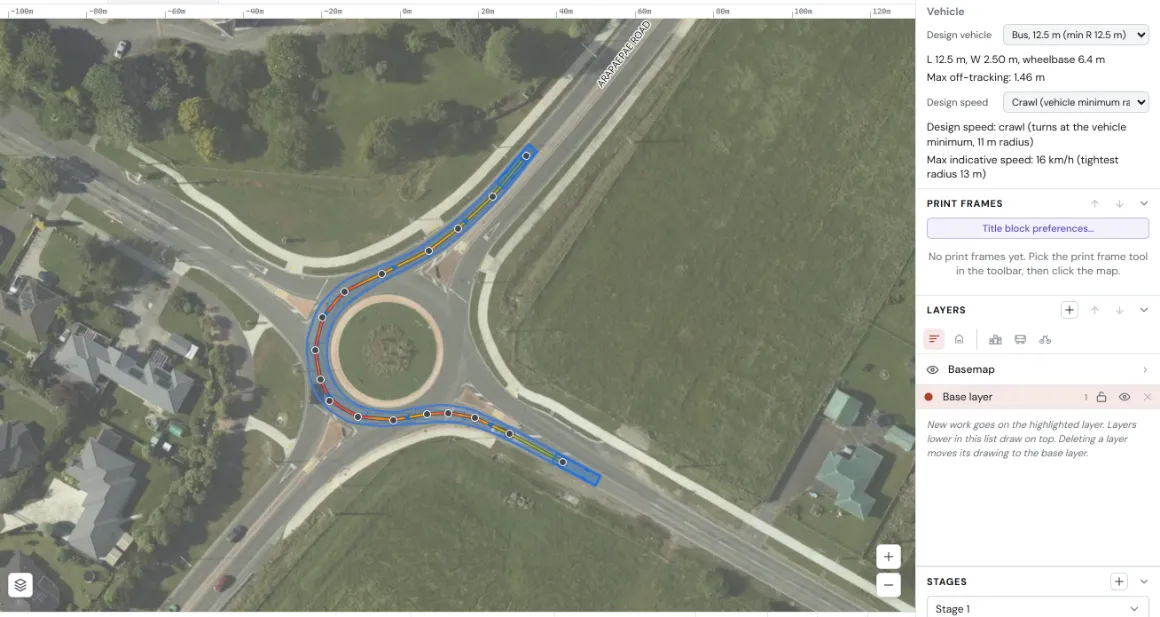
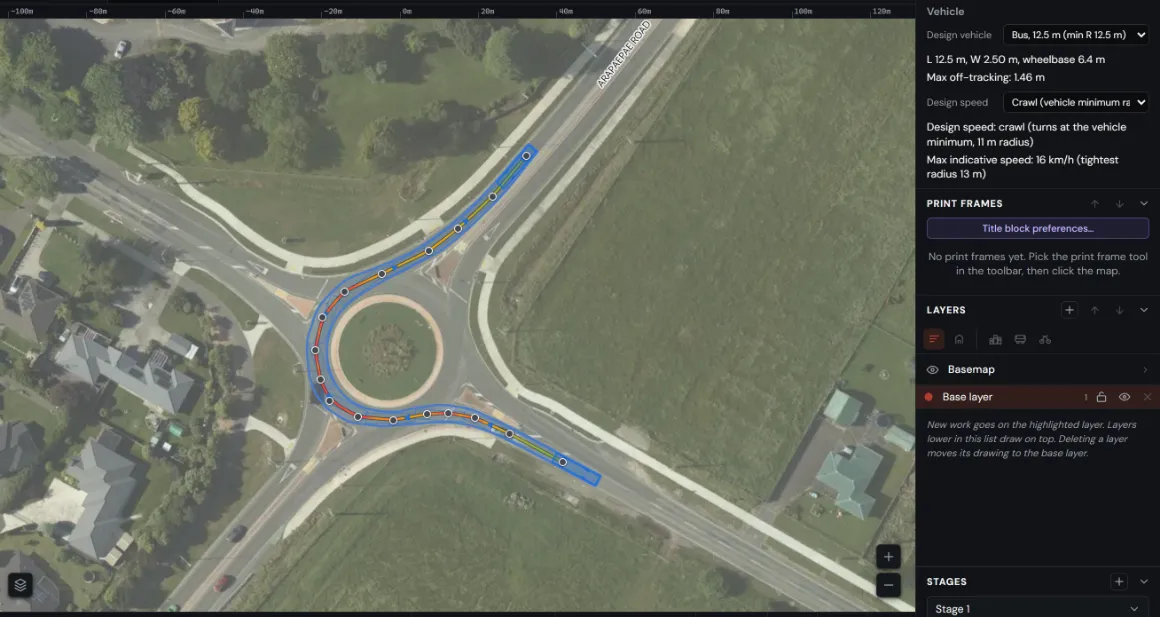
- Swept path
- Pick a design vehicle and check its wheel and body paths through a turn. Results are indicative.
- Legend
- Build a legend from what's on your plan.
Pages and export
- Stages
- A separate layout for each stage of the job, at the same site.
- Layers
- Create, lock, hide and copy layers, and copy them between stages.
- Print frames
- Frames from A4 to A0, with a live print preview.
- Edge ruler
- An optional ruler down the page margin, in metres at the frame's scale.
- Title block
- Edit your title block, add your logo, and save it as your default.
- Export
- PDF, PNG, JPEG or straight to print, with a check for missing street names. DXF export for CAD and GIS.
- Plan files
- Each plan is one .xro file, with autosave and recovery.
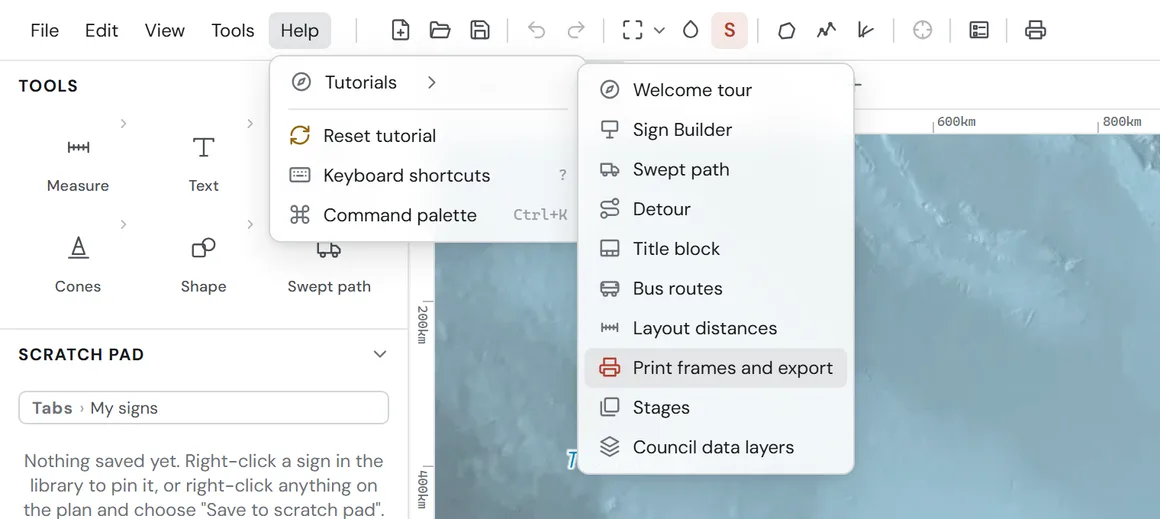
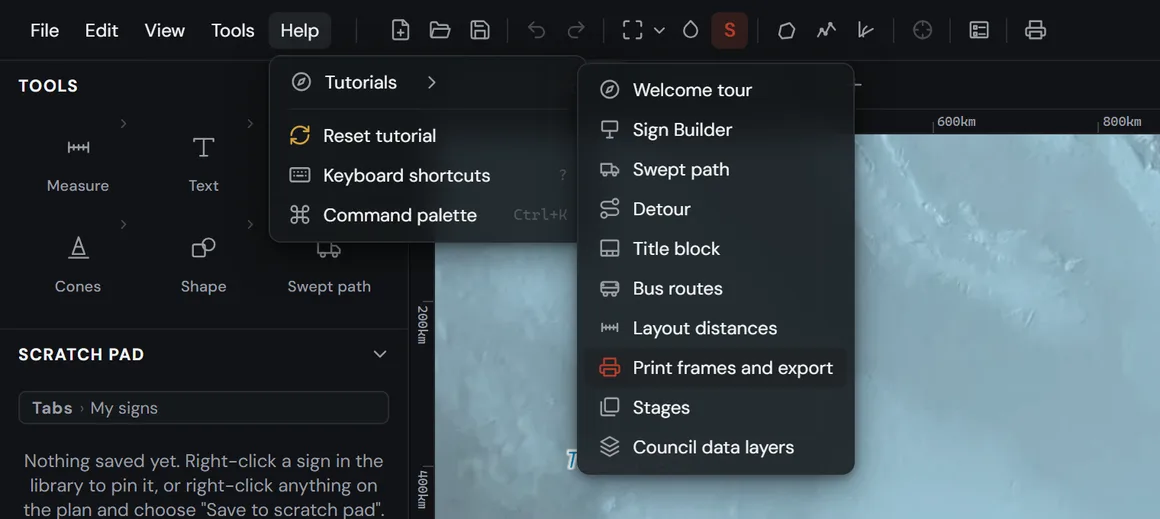
- Tutorials
- A welcome tour and nine step-by-step tutorials, under Help.
Xuro Review Engine
Before the review
- Upload the whole package
- The TMP form, drawings and supporting documents, in one go.
- Pick the standard
- Choose CoPTTM or NZGTTM and the road controlling authority.
- Review coverage
- Before you start, see which rules apply for your standard and RCA.
- Confirm the key facts
- Check the road, dates and other key details Xuro has read before the review starts. Nothing is sent until you confirm.
The findings
- Ranked by severity
- Critical, warning or information.
- Shown where they are
- Each finding is pinned to its page in the PDF viewer. Click one to jump there.
- The clause behind it
- Each finding quotes the clause it relates to, word for word, so you can check it yourself.
- Marked-up PDF
- Download your plan with each finding as a note on its page, plus a summary page.
- Tell us what we missed
- Mark a finding as useful or not, or report an issue the Review Engine didn't catch.
After the review
- Ask about a review
- Ask questions about a finished review. Answers point to the pages they come from.
- Review history
- Search and reopen past reviews.
- Authority library
- See every standard and RCA rule a review can draw on.
- Your files
- Uploaded PDFs are deleted 30 days after a review finishes, or sooner if you delete them.
The Xuro Review Engine assists a qualified reviewer. It does not replace one, and it does not approve plans.
Working together
- Install it
- Install Xuro from Chrome or Edge to open it in its own window, and open .xro plans with a double-click.
- From Designer to the Review Engine
- Send your print frames from the Designer to the Review Engine in one step. Nothing runs until you start it.
- And back again
- Open a reviewed plan straight back in the Designer.
- One account
- Your plans and reviews in one place.
- Day or night
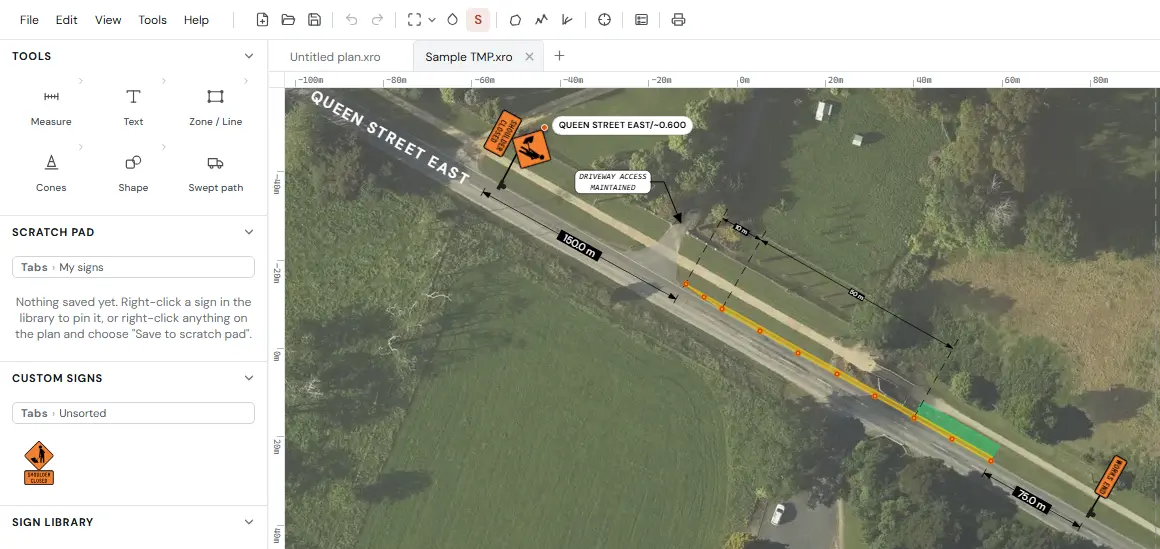
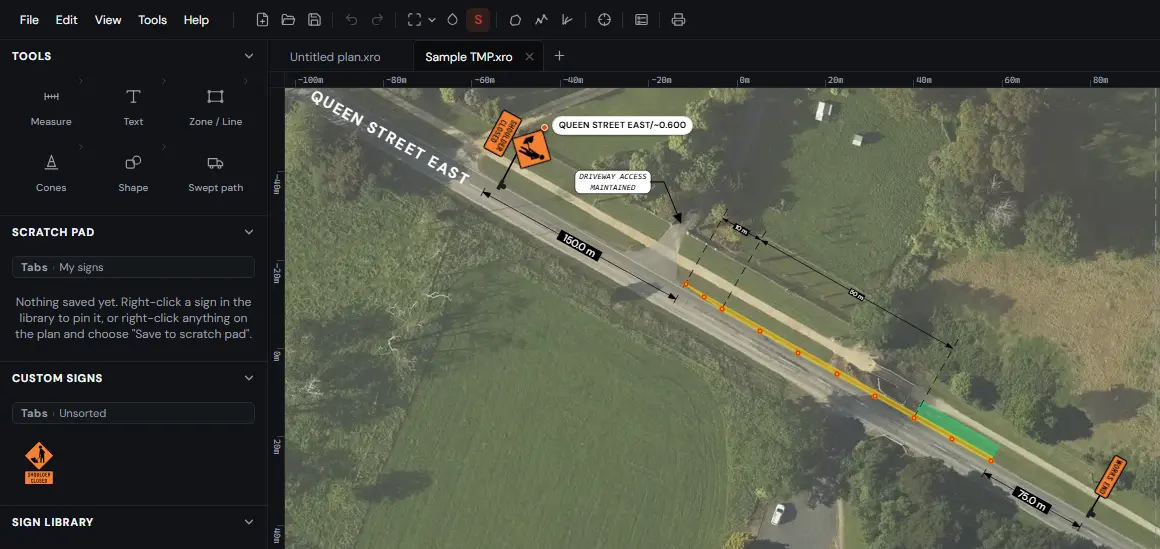
- Light and dark themes.
See it for yourself. Early access is free and includes 3 TMP reviews and 14 days in the Designer.
Request early access